
Introduction
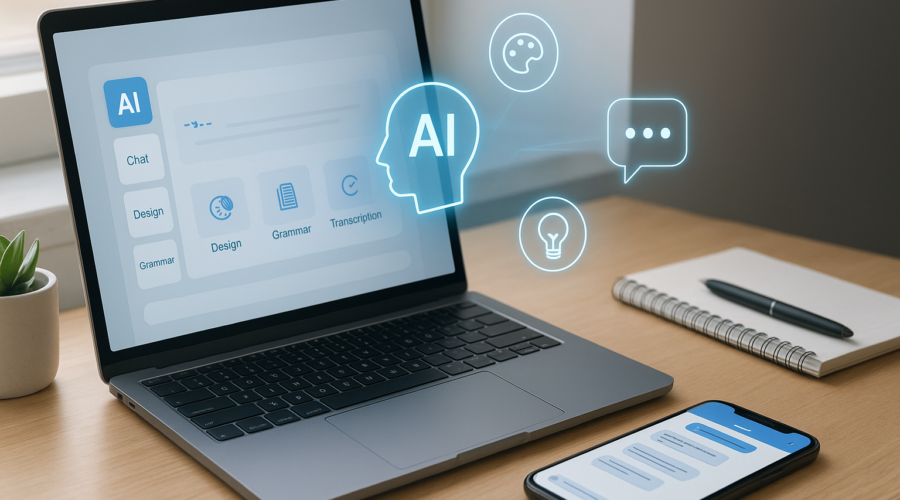
Artificial Intelligence (AI) is no longer a futuristic concept—it’s part of our everyday lives. From streamlining work tasks to enhancing creativity, AI tools have become essential for individuals and businesses alike. Fortunately, you don’t have to break the bank to take advantage of them. In this article, we’ll introduce five free AI tools that everyone in the United States should be familiar with. These tools can boost your productivity, spark creativity, and even assist with learning, making them perfect for students, professionals, and casual users.
1. ChatGPT by OpenAI
What it is: ChatGPT is a conversational AI chatbot that can answer questions, help with writing, brainstorming ideas, and more.
Why it’s useful: Whether you’re writing emails, creating content for your blog, or seeking quick explanations on complex topics, ChatGPT can save you time and effort.
Example use: If you’re a small business owner in Chicago, you can use ChatGPT to draft customer responses or generate marketing ideas tailored for the local market.
How to use it effectively
- Ask clear, specific questions to get the best responses.
- Use it as a starting point for writing tasks but always proofread before sharing.
2. Canva’s AI Design Tools
What it is: Canva offers free AI-powered design tools that simplify graphic creation for social media posts, presentations, and flyers.
Why it’s useful: You don’t need to be a professional designer to create polished visuals. Canva’s AI can suggest layouts, color palettes, and even generate images.
Example use: A freelance marketer in New York can quickly craft branded posts for platforms like Instagram or Facebook without hiring a designer.
Tips for best results
- Use templates as a base and customize with your brand colors and fonts.
- Leverage AI image generation to create unique visuals when stock photos don’t fit.
3. Grammarly
What it is: Grammarly is an AI-based writing assistant that checks grammar, punctuation, tone, and clarity.
Why it’s useful: Perfect for professionals, students, and anyone who wants to improve their writing quality without expensive editors.
Example use: A college student in California can ensure their essays and assignments are error-free and easy to read.
Maximizing Grammarly’s potential
- Install Grammarly browser extension for real-time checks on emails and social media posts.
- Use tone suggestions to match your writing style to formal or casual contexts.
4. Otter.ai
What it is: Otter.ai is a free transcription service that converts spoken words into text in real time.
Why it’s useful: Ideal for meetings, lectures, interviews, or content creators who want to quickly generate notes or captions.
Example use: A project manager in Austin can record team meetings and get accurate transcripts for those who missed the discussion.
Best practices
- Speak clearly to improve transcription accuracy.
- Use timestamps and highlight key points within the transcripts for easier review.
5. Google Bard
What it is: Google Bard is an AI-powered conversational tool that helps generate ideas, answer questions, and assist with content creation.
Why it’s useful: It can be a helpful supplement to Google search or ChatGPT, offering diverse perspectives and creative suggestions.
Example use: An entrepreneur in Miami can use Bard to brainstorm business names, taglines, or marketing strategies swiftly and at no cost.
How to leverage Bard
- Combine Bard’s suggestions with your insights for original ideas.
- Use Bard for exploring niche topics or sparking creativity when stuck.
Conclusion
These five free AI tools—ChatGPT, Canva, Grammarly, Otter.ai, and Google Bard—are powerful resources accessible to anyone in the United States. They help simplify tasks, enhance creativity, and improve productivity in various professional and personal contexts. By integrating these AI tools into your daily routine, you can stay ahead in today’s fast-paced, tech-driven world without any extra cost.
FAQs
1. Are these AI tools completely free?
Most of these tools offer robust free versions with essential features. However, advanced capabilities may require paid subscriptions.
2. Do I need technical skills to use these AI tools?
No, these tools are designed with user-friendly interfaces, making them accessible for beginners and non-tech users.
3. Can these AI tools be used on mobile devices?
Yes, many come with mobile apps or mobile-friendly websites, allowing you to work on the go.
4. How do AI tools protect my privacy?
Always review each tool’s privacy policy. Generally, reputable AI services use encryption and data protection measures to safeguard user information.
5. Can these tools replace professional services?
While helpful, AI tools are best used as supplements. For critical or specialized tasks, consulting professionals is recommended.